Minecraft chunks: how view-distance affects RAM and TPS
Par Benjamin Dayan · PDG
· Mis à jour le November 9, 2026 · Lecture 7 min
Contents
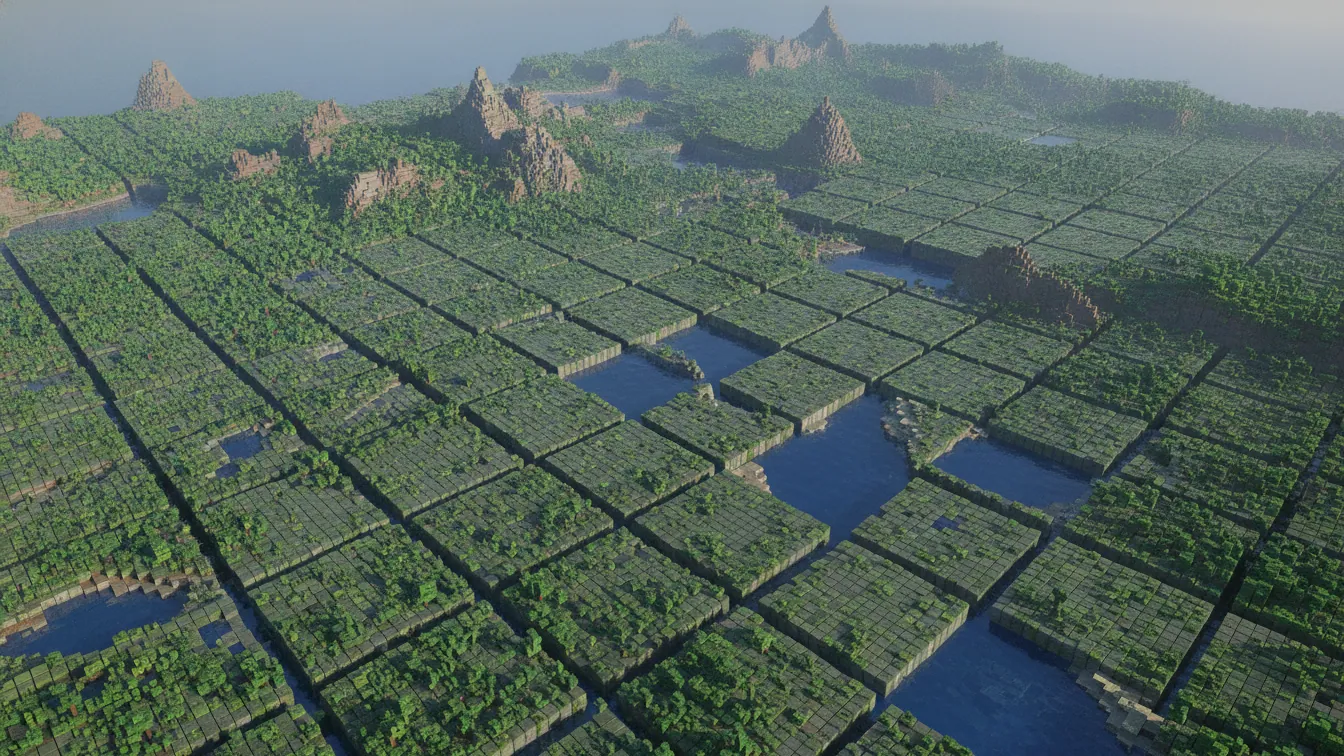
Minecraft chunks are 16×16-block columns that the server generates, loads, simulates, saves and sends to players. Each player loads (2×distance+1)² of them: 441 at a distance of 10, 121 at 5. That number weighs on RAM, CPU and disk, but not in the same way for each setting.
Here is how to work out the cost, measure it, then pre-generate the map with Chunky before adjusting your distances.
In short
- A chunk is 16×16 blocks and 384 blocks tall in the Java Overworld, stored in
.mcaregion files. view-distancesets the chunks sent to players.simulation-distancesets the chunks that actually run (entities, crops, redstone).- Chunks per player follow the formula (2×d+1)², so a distance of 5 loads about 3.6 times fewer than 10.
- Chunky pre-generates the map, which removes the generation spike while players explore.
- Lower the simulation distance first, once you have measured with Spark (MSPT under 50 ms).
What are Minecraft chunks?
According to the Minecraft Wiki, a chunk is a segment of the world that spans the full height of its dimension.
In game, F3 shows the coordinates of the chunk you are standing in, and F3+G draws its borders. On disk, the Anvil format stores chunks in r.x.z.mca region files, each grouping a square block of neighbouring chunks. A player who explores is therefore constantly opening new files.
Spawn chunks stay loaded around the world's spawn point. In recent versions their radius is controlled by the spawnChunkRadius game rule, but check the default for your version before touching it. Chunk loaders are a separate topic.
View distance and simulation distance: two settings, two costs
Both live in server.properties, and both default to 10. For their version history, see the Minecraft Wiki.
view-distance=10
simulation-distance=10
- view-distance: the radius of chunks sent to the client and kept in memory. It costs mainly network bandwidth and RAM.
- simulation-distance: the radius in which mobs move, crops grow and redstone runs. It costs mainly CPU, and therefore TPS.
A chunk that is visible but outside the simulation range is displayed frozen. Setting the simulation distance above the view distance is pointless: the server would simulate terrain the player never receives.
On Bedrock, the file offers view-distance and tick-distance. The latter plays the role of the simulation distance, usually with a stated range of 4 to 12. Paper only runs on Java, so it doesn't apply here. On Java it applies its own chunk-sending limits, but leave those alone until you have measured.
How many chunks does each player load?
The loaded area is a square with sides of 2×d+1 chunks, centred on the player: (2×d+1)². The same formula applies to the chunks that tick under the simulation distance.
| Distance (d) | Chunks per player |
|---|---|
| 5 | 121 |
| 6 | 169 |
| 8 | 289 |
| 10 | 441 |
| 12 | 625 |
| 16 | 1,089 |
Dropping from 10 to 5 divides the total by roughly 3.6. And the areas add up when players are spread out: ten scattered players at 10 mean up to 4,410 chunks, against 1,690 at 6. If they are grouped at the same base, their areas overlap and the total stays far lower.
How chunks affect RAM and TPS
More loaded chunks means more RAM, especially when entities and tile entities (chests, hoppers) pile up. There is no reliable "X MB per chunk" figure: it varies with the version, your plugins and what the chunks contain. Measure on your own server instead, with the same number of players: run /spark health at a view distance of 6, then at 10, and compare memory use. For sizing the whole server, our guide on how much RAM a Minecraft server needs covers the question in full.
On the TPS side, 20 ticks per second leaves 50 ms per tick. If a tick takes longer, the server slows down. That duration is the MSPT. Simulation distance weighs the most, because much of the tick runs on the main thread, which means a single core.
The other classic spike comes from generating new chunks when several players race off to explore at once. CPU and disk writes are hit together. This is exactly what pre-generation removes.
Pre-generating the map with Chunky
The idea is simple: generate the terrain in advance so that exploring no longer triggers anything in game. Chunky is a plugin (mod versions exist too, so check the project page for your platform).
Before you start:
- Take a full backup of the world.
- Empty the server, or pick a quiet time of day.
- Install Chunky (FlyPanel can add plugins in one click; otherwise, drop the .jar file in yourself).
Then, from the console:
worldborder set 10000
chunky world world
chunky center 0 0
chunky radius 5000
chunky start
worldborder set 10000 sets a diameter of 10,000 blocks. The border stops players going beyond what you have generated. After that, chunky pause, chunky continue and chunky cancel manage the task, and chunky progress shows how far along it is. Pause saves progress, cancel abandons it. To match the area to an existing border, chunky worldborder picks up its centre and radius.
Stay realistic. A radius of 2,000 blocks is about 62,500 chunks, and a radius of 5,000 is about 390,625 (a square area). The disk footprint grows quickly: start the generation, check the size of the region folder halfway through, then extrapolate. For the Nether and the End, switch worlds with chunky world world_nether, then run it again.
Which settings keep you at 20 TPS?
Treat this table as a starting point, not a rule.
| Profile | view-distance | simulation-distance |
|---|---|---|
| 1 to 5 players | 10 | 8 |
| 5 to 20 players | 8 | 6 |
| 20 to 50 players | 6 to 7 | 4 to 5 |
| Private server with redstone farms | depends on RAM | at least the size of the farms |
To pick the right amount of RAM for your player numbers, you can compare Fly-Serv plans and pricing.
The method comes down to four steps:
- Measure during a peak with
/spark tps, then run a profile (/spark profiler start --timeout 60). Recent Paper builds bundle Spark; otherwise, install it. - Pre-generate the map.
- Lower the simulation distance first.
- Only touch the view distance if RAM or bandwidth is saturated.
The server software matters as much as the distances: Paper or Purpur rather than the vanilla server. So does limiting entities. A pen of 300 cows costs more than a point of view distance.
What hardware changes: single-core CPU and NVMe
The tick depends on the clock speed and cache of a single core. Fly-Serv's Ryzen 9 7950X3D processors boost up to 5.7 GHz and carry 128 MB of V-Cache. During pre-generation and saves, region files benefit from Gen4 NVMe storage, while ECC DDR5 keeps memory stable. None of this replaces good settings, but it gives you more headroom. On our Minecraft Server Hosting: Rent your Minecraft server from €2.99/mo, FlyPanel handles backups and restores, so you can run Chunky with peace of mind.
Frequently asked questions
How big is a Minecraft chunk?
16×16 blocks, and 384 blocks tall in the Java Overworld since 1.18 (Y=-64 to 319). In Java, the Nether is 128 blocks tall and the End is 256. On Bedrock, the Nether is 128.
What is the difference between view-distance and simulation-distance?
View distance defines the chunks sent to players, with a cost mostly in network and memory. Simulation distance defines the chunks where entities, crops and redstone run, with a cost mostly in CPU.
How much RAM do loaded chunks use per player?
There is no universal figure: it depends on entities, plugins and the version. Compare /spark health at two different view distances, with the same number of players.
How do I pre-generate a map with Chunky on a server?
Back up first, set a border with worldborder set, then run chunky world, chunky center 0 0, chunky radius and chunky start. Follow progress with chunky progress.
What view distance should I use to hold 20 TPS?
For 5 to 20 players, start at 8 for view distance and 6 for simulation distance. Check that MSPT stays under 50 ms during your peaks, then lower the simulation distance first if you need to.
How do I show chunks in Minecraft?
Press F3+G to draw chunk borders, or F3 to see the coordinates of the current chunk.
Measure, pre-generate, then adjust
Start with a Spark reading during your next peak, before you change anything. Then run Chunky, with an up-to-date backup. Pre-generate your map and hold your 20 TPS on a Fly-Serv Minecraft server from €2.99/month: Minecraft Server Hosting: Rent your Minecraft server from €2.99/mo. Delivery takes under 60 seconds, there is no commitment, and Anti-DDoS protection is included. If your community plays other games too, all our game servers for rent are in one place.
Read next
- Comment choisir le modpack Minecraft adapté à votre style de jeu ?Tech, magie, exploration ou skyblock : comprenez les familles de modpacks Minecraft, leur rythme de jeu et leurs besoins réels en RAM et en mods.
- Comprendre et corriger les chutes de TPS sur un serveur MinecraftWhy TPS drops on a Minecraft server: chunk loading, entities, view distance and CPU single-core speed, plus how to read timings and fix the real bottleneck.
- Comprendre et stabiliser le TPS d'un serveur MinecraftWhat TPS really measures, why it falls below 20, and how to read a timings report to identify entities, chunks and plugins that slow your world down.