txAdmin setup: install and deploy ESX or QBCore in 6 steps
Par Benjamin Dayan · PDG
· Mis à jour le November 22, 2026 · Lecture 7 min
Contents
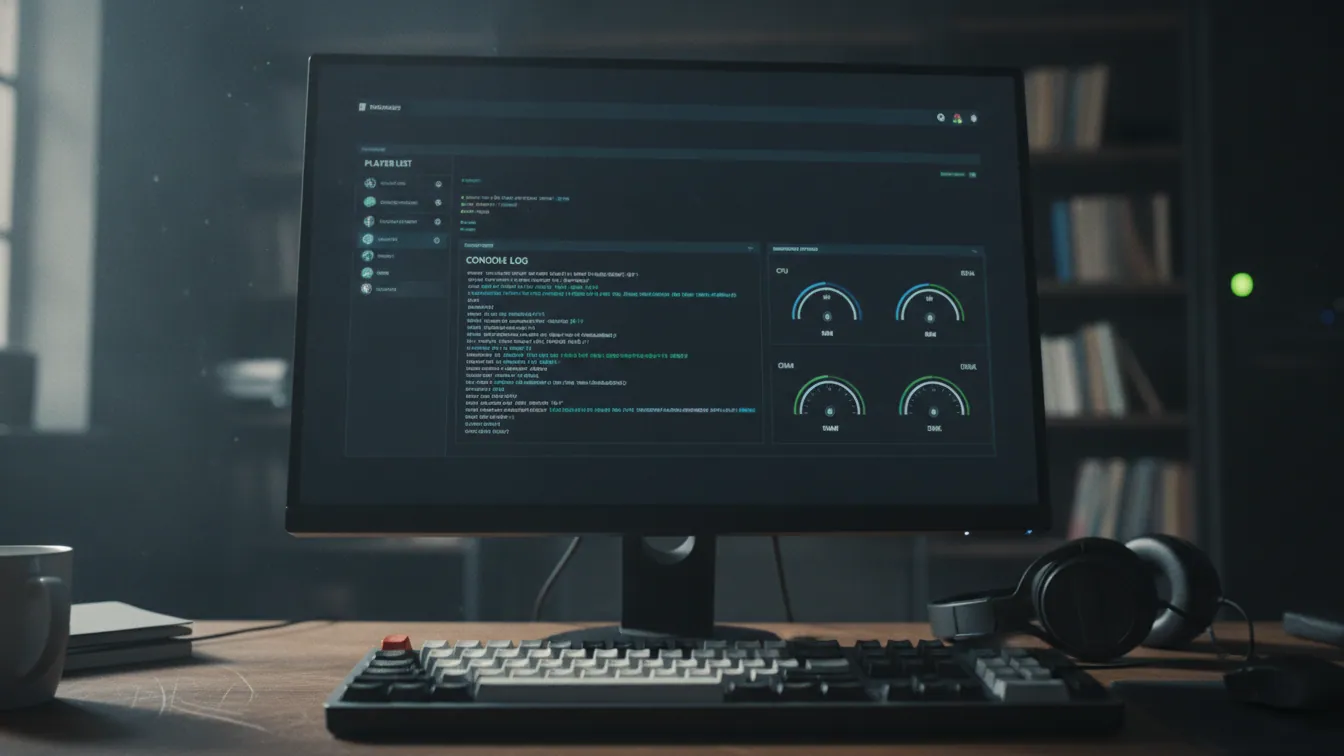
Lance FXServer without a server.cfg to install txAdmin. Open http://localhost:40120, enter the PIN shown in the console and create the master account. The Setup Wizard then deploys an ESX or QBCore recipe. On FiveM server hosting from Fly-Serv, where you can rent a GTA RP server from £1.65/mo, txAdmin comes pre-installed.
Knowing the manual method is still worth the effort, even if you end up renting a ready-to-go server. When something breaks, you will know where to look.
In short
- txAdmin ships with the FXServer artifacts and listens on TCP port 40120 by default.
- The PIN appears in the console for as long as no master account exists.
- You pick the ESX or QBCore recipe under "Popular Recipes". It asks for a Cfx.re key and your MariaDB details.
- You add admins in "Admin Manager" and schedule restarts in the settings.
- A troubleshooting section covers a missing PIN, a closed port and a failing recipe.
What is txAdmin and why use it?
It is the official web panel for managing FiveM and RedM servers. It is free, open source and bundled with the FXServer artifacts. Live console, player and ban management, deployment recipes, scheduled restarts, monitoring and Discord integration are all handled from your browser. Version 8 introduced TXHOST_* environment variables, which we come back to in step 2.
Step 1: prepare FXServer, your licence key and the database
Gather three things before you launch anything: the server artifacts, a licence key and a MariaDB or MySQL database.
- Artifacts: download the recommended build (Windows or Linux) from the Cfx.re documentation, then unzip it into a dedicated folder. If you are starting from scratch, our page on how to install FiveM on a server covers this part in detail.
- Licence key: Keymaster has been replaced by the Cfx.re Portal. Log in at portal.cfx.re with your Cfx.re account and open "Server Registration Keys". Click the big + button, then enter the server name, the description and the language. Finally, click "Generate Key" and copy the key.
- Database: note down the host, user, password and database name. The recipe will ask for them.
On the hardware side, RAM and CPU depend mostly on your slot count and your scripts. You will find benchmarks in our guide on how much RAM a FiveM server needs.
At Fly-Serv, txAdmin is pre-installed and a MariaDB database is included. The only thing left for you to do is generate the licence key yourself on the Cfx.re portal.
Step 2: launch txAdmin and log in with the PIN
Run FXServer.exe on Windows or ./run.sh on Linux, without +exec server.cfg. The console prints the panel URL and a PIN. Open http://localhost:40120 (or http://<your-server-IP>:40120 from another machine), enter the PIN, then click "Link Account" to link your Cfx.re account. That link is what creates the Master account. Remember to set a fallback password too.
If the page won't open remotely, it is almost always the firewall. Open port 40120 for TCP. The game port, 30120 (TCP and UDP), is a separate setting, and txAdmin refuses to run on it.
To change the port, the txAdmin documentation on GitHub says that from v8 onwards TXHOST_TXA_PORT is the method to use. It takes priority over the old txAdminPort convar, which is now deprecated.
set TXHOST_TXA_PORT=40125
The PIN changes at every start until the master account exists.
Step 3: choose your ESX or QBCore recipe
In the Setup Wizard, name your server, then choose the deployment type: Popular Recipes, Existing Server Data, Remote URL Template or Custom Template. To start from a ready-made base, pick Popular Recipes, then ESX or QBCore. The exact list varies with your txAdmin version. Finish by setting the file location (data path).
Existing Server Data is for picking up an existing server folder. The other two options cover recipes hosted at a URL or written by you.
ESX or QBCore: which one should you deploy?
| Criterion | ESX | QBCore |
|---|---|---|
| Community | Older, long established | Active, more recent |
| Available scripts | Huge volume, uneven quality | Smaller catalogue, more consistent |
| ox_lib / ox_inventory | Install as resources | Install as resources |
| Beginners | Plenty of tutorials | Easier-to-read structure |
In our view, ESX makes sense if you are counting on the sheer volume of scripts. QBCore is more comfortable if you want a coherent base from day one. vRP and ox_core exist too. We will cover ESX vs QBCore in a dedicated article.
Step 4: enter the database details and run the recipe
The settings screen asks for your licence key, then the database host, port (3306), user, password and database name. Click "Run Recipe" and follow the deployment logs.
Once the recipe has finished, read through the generated server.cfg. sv_hostname, sv_maxclients and the 30120 endpoint deserve a quick look. For oxmysql, the connection looks like this:
set mysql_connection_string "mysql://user:password@localhost/database_name"
The most common errors:
- MySQL access denied: wrong user, password or host.
- Database already exists: empty it or create a new one.
- Invalid key: regenerate it on the portal and paste it back with no stray spaces.
At Fly-Serv, the MariaDB database is included. The ESX, QBCore, vRP and ox_core frameworks are available on the FiveM plan.
Step 5: create the administrator accounts
Open Admin Manager and add each staff member with their Cfx.re username and/or Discord ID. Then tick their permissions: bans, kicks, console, settings, Live Console, resource management.
One account per person, with the minimum rights needed. Never share the master account, because it can reset everything.
Don't confuse these accounts with the framework's groups. A txAdmin admin manages the panel. The in-game admin group depends on ESX (the player's group field in the database) or on QBCore (ACE permissions in the server.cfg).
Step 6: schedule automatic restarts
Go to Settings > Restarter and enter the times in HH:MM format. For an RP server, 06:00, 14:00 and 22:00 make a common starting point. Shift them to suit your quiet periods. On some versions the setting sits in the general settings, so look for "Scheduled Restarts".
According to the txAdmin documentation, players are warned 30, 15, 10, 5, 4, 3, 2 and 1 minutes before a scheduled restart. Restarts clear the memory that some scripts accumulate and give backups time to finish. If an event overruns, the dashboard lets you skip the next restart or trigger a one-off.
Back up the database before any sensitive restart. More settings are covered in our guide on configuring your FiveM server.cfg file.
Troubleshooting: missing PIN, closed port, stuck recipe
- The PIN doesn't appear: txAdmin is already configured. Stop the server, rename
txData/admins.json, restart, then recreate the master account. You will need to add the other admins again. - Port 40120 is unreachable: check the firewall, the protocol (TCP) and the IP. Don't use 30120.
- The recipe fails: check the database credentials first, then the licence key.
- The server keeps restarting: a resource is crashing. Read the Live Console, disable it, then restart.
- Updating txAdmin: replace the artifacts with a recent build, as txAdmin is built into them.
Save time: txAdmin pre-installed on the Fly-Serv FiveM plan
On the Fly-Serv FiveM plan, your server is delivered in under 60 seconds. It comes with txAdmin pre-installed, a MariaDB database included, and the ESX, QBCore, vRP and ox_core frameworks. It runs on a Ryzen 9 7950X3D, DDR5 ECC RAM and NVMe storage. Anti-DDoS protection is included, which comes in handy on RP event nights. Plans start from £1.65/month with no commitment.
If you would rather manage everything yourself, a Linux VPS lets you follow the six steps above from start to finish.
Frequently asked questions
What is the default txAdmin port?
txAdmin listens on TCP port 40120, which is separate from the FXServer game port (30120). From v8 onwards, you change it with the TXHOST_TXA_PORT variable.
Where do I find the txAdmin PIN?
In the FXServer console at startup, for as long as no master account exists. If nothing appears, an admins.json file already exists in txData.
How do I add an administrator in txAdmin?
Open Admin Manager, add the person with their Cfx.re username and/or Discord ID, then tick their permissions. Give each staff member only what they need.
How do I schedule an automatic restart with txAdmin?
In Settings > Restarter, add times in HH:MM format, for example 06:00, 14:00 and 22:00. txAdmin warns players before each restart. The menu can vary with your version.
How do I update txAdmin?
txAdmin ships inside the server artifacts. Download a recent build, replace the server files and keep the txData folder, which holds your settings and your admins.
Does txAdmin work for a RedM server too?
Yes, it is the official panel for both FiveM and RedM. At Fly-Serv, a RedM server with txAdmin lets you deploy an RP server with VORP or RSG.
Your RP server ready in under a minute
If the port, the PIN and the database have already cost you an evening, go for a plan where everything is already in place. On Fly-Serv FiveM hosting, from £1.65/mo for your GTA RP server, txAdmin is already installed. You choose the recipe and we handle the rest.
Read next
- FiveM on PC: system requirements, install and RP serversFiveM is a free GTA V modification for PC that connects you to community roleplay servers. Here are the requirements, the five install steps, the ban question and how to join an RP server.
- Accéder à txAdmin en localhost pour tester son serveur FiveMOuvrir txAdmin en local sur le port 40120 : recuperer le PIN, lancer FXServer, debloquer le pare-feu et tester un serveur FiveM avant mise en ligne.
- txAdmin : comprendre le panel qui pilote un serveur FiveMWhat txAdmin is, how its web panel, console, player management, scheduled restarts and recipes work, and what it changes on a FiveM server.